
Avast Antivirus
Avast Antivirus is a free antivirus program from Avast Software for Windows, also available for macOS, Android and other platforms.
0.9 GB

Malwarebytes for Windows is anti-malware software that scans for and removes malware, ransomware, adware and unwanted programs.
Average 0.0 · ratings: 0
Thank you! Your rating is saved; you can change it. Could not save the rating. Please try again later. Too many ratings from your network today. Please try again tomorrow. The average appears after 5 ratings.
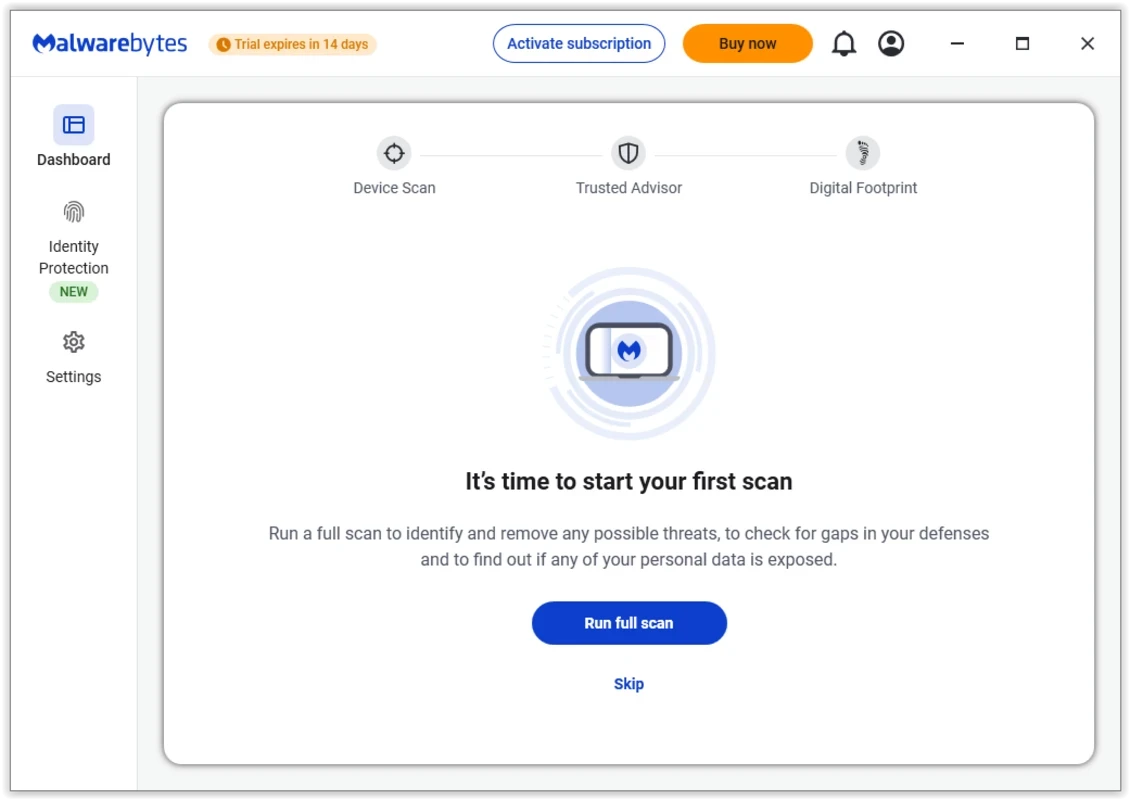
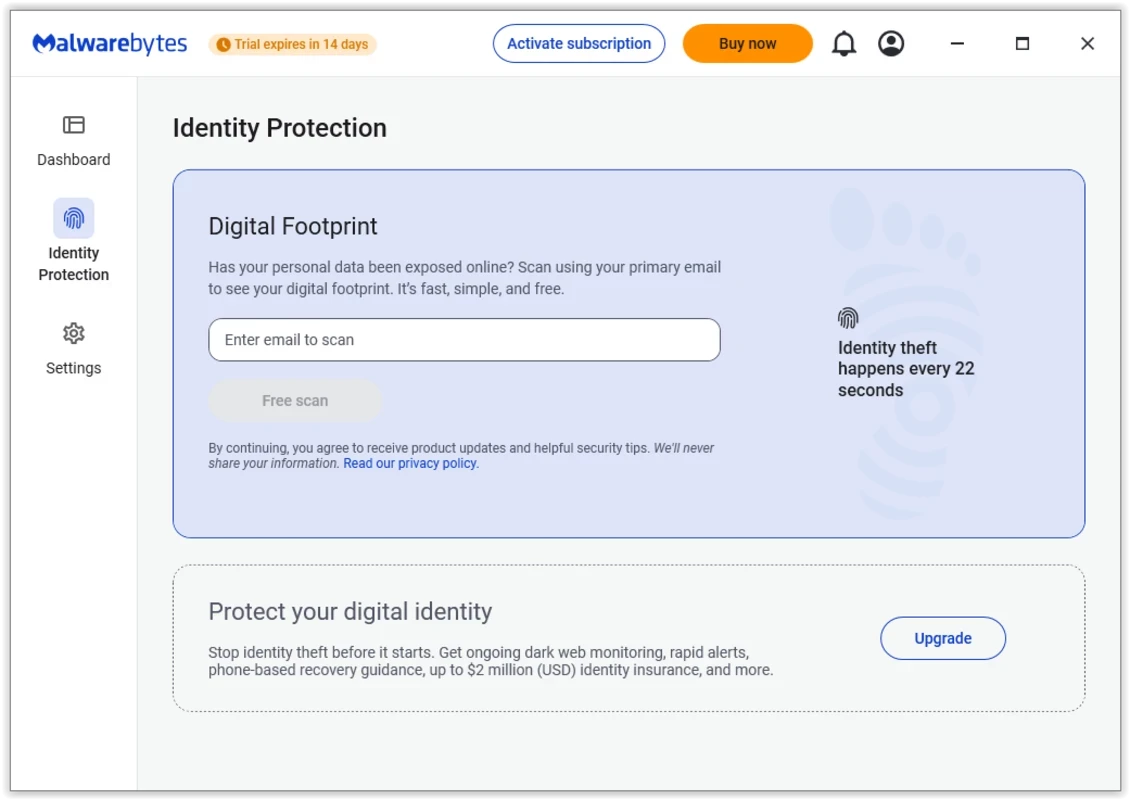
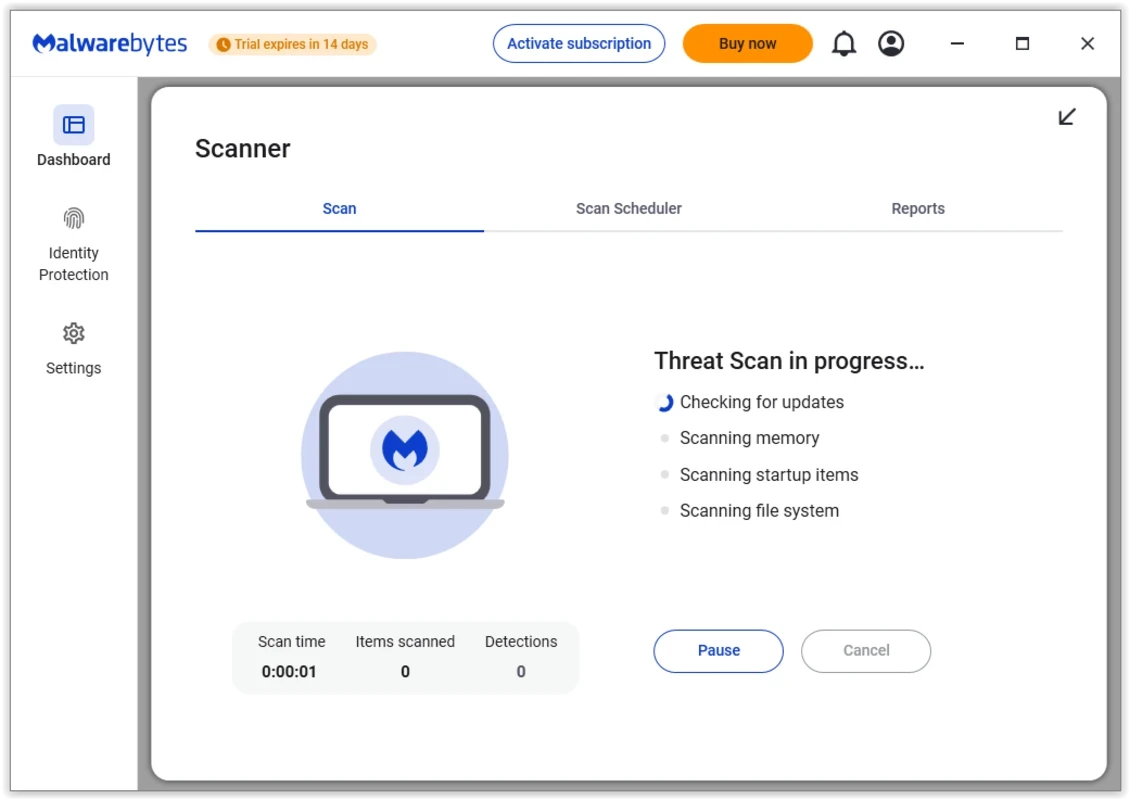
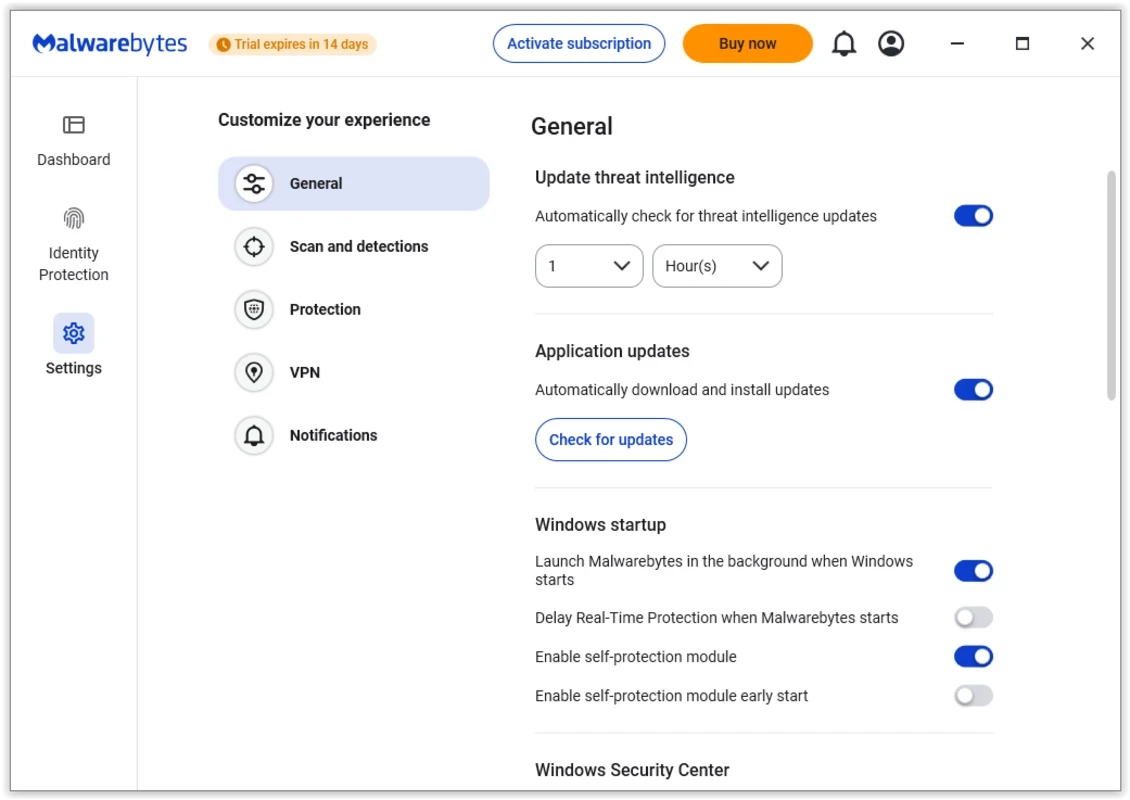
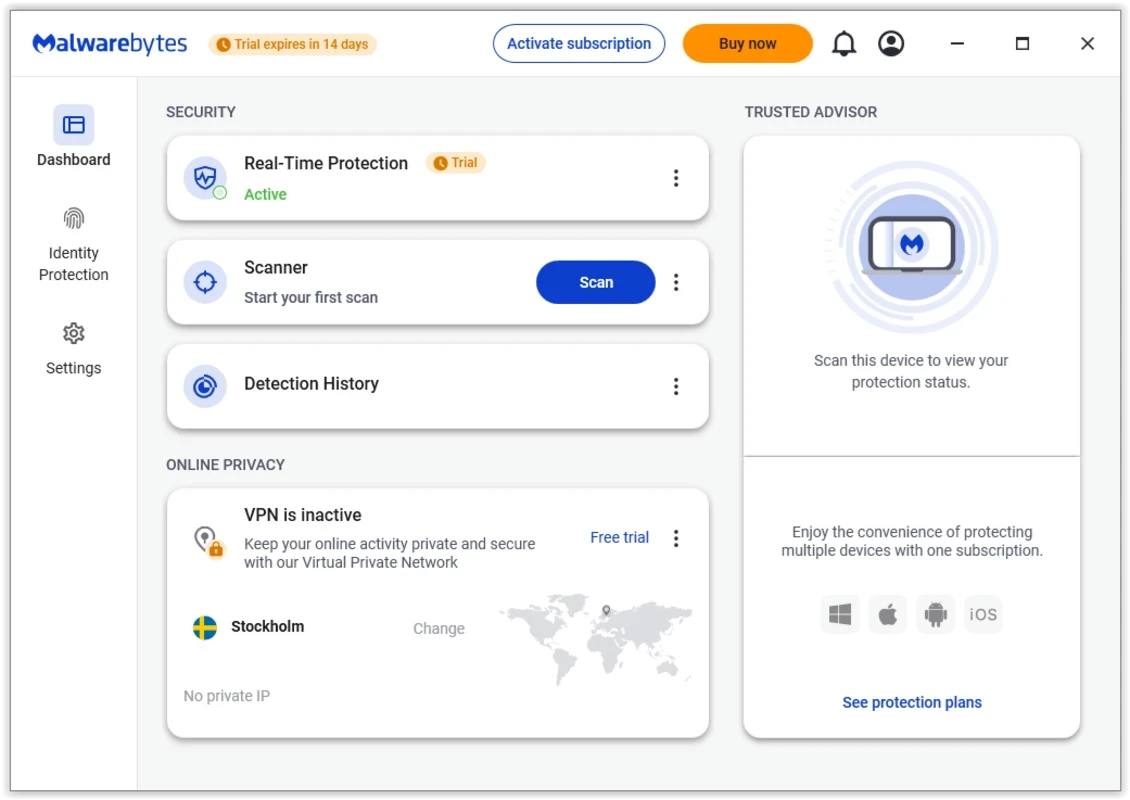
Malwarebytes 5.7.1 for Windows is the desktop anti-malware software from Malwarebytes, and you can download it from the official malwarebytes.com website. It runs on Windows 10 and Windows 11, including ARM-based Windows 11 devices, and combines a free on-demand scanner with paid real-time protection.
| Program | Malwarebytes |
|---|---|
| Version | 5.7.1 |
| Developer | Malwarebytes |
| License | Demo: free scanner, paid real-time protection |
| Supported Windows | Windows 11, Windows 10, ARM-based Windows 11 |
| Memory | at least 4 GB, preferably 8 GB |
| Disk space for installation | 1 GB |
| Company founded | January 2006 |
| Updated | September 2026 |
Malwarebytes is antivirus and anti-malware software, best known as the tool people run when something has already gone wrong. Its scanner checks memory, startup items, the registry and files for malware, ransomware, spyware and adware, and it is particularly good at catching potentially unwanted programs that other products let through: toolbars, fake optimisers and browser hijackers bundled with free downloads. After a scan you see a list of detections and can quarantine them with one click. The premium version adds real-time protection, which blocks threats as they arrive and guards against malicious websites. Many users run the free version alongside Microsoft Defender as a second opinion, while others use the premium edition as their main protection.
According to Malwarebytes' system requirements article, the Windows version supports Windows 11 and Windows 10 and needs at least 4 GB of memory, preferably 8 GB, plus 1 GB of free disk space during installation. Windows 7, 8 and 8.1 are no longer supported.
Changes are listed in the official release history.
Only from malwarebytes.com. Security tools are frequently faked, and a counterfeit "Malwarebytes Premium" key or crack is itself malware. If your PC is already infected and the site will not open, download the installer on another computer and copy it over on a USB stick.
Disconnect from the internet if you see ransomware notes or files being renamed. Run a full scan, quarantine everything found and restart. Then change passwords for important accounts from a clean device, because malware may have captured them. Scan again a day later to make sure nothing returns.
The scanner and manual removal are free after the trial ends. Real-time protection requires a paid subscription.
Bitdefender, Avast Antivirus, AVG Antivirus, Norton Antivirus and Avira Antivirus are full antivirus products in the same category, and AdwCleaner is a small free tool for adware.
Avast Antivirus is a free antivirus program from Avast Software for Windows, also available for macOS, Android and other platforms.

Norton Antivirus is commercial antivirus and computer security software for Windows, available as a trial before purchase.

AdwCleaner is a free Windows tool from Malwarebytes for finding and removing adware, unwanted programs and browser hijackers.

AVG Antivirus is a free antivirus for Windows from AVG Technologies with real-time scanning, web protection and optional paid features.

Avast Clear, also called the Avast Uninstall Utility, is a free Windows tool from Avast that fully removes Avast antivirus products when the standard uninstaller fails.

Adaware Antivirus is a Windows antivirus from Lavasoft, the company behind the long-running Ad-Aware anti-spyware tool, with a free edition.

Panda Antivirus is a security program for Windows from Panda Security, protecting against viruses and other malware.

UsbFix is a Windows tool from SOSVirus that detects and removes malware spread through USB flash drives and helps recover files the malware has hidden.